




Seating Chart Generator
Pick your event, add tables and rules, and let it seat everyone.
What are you seating? Wedding, party or classroom (band coming soon)
Wedding
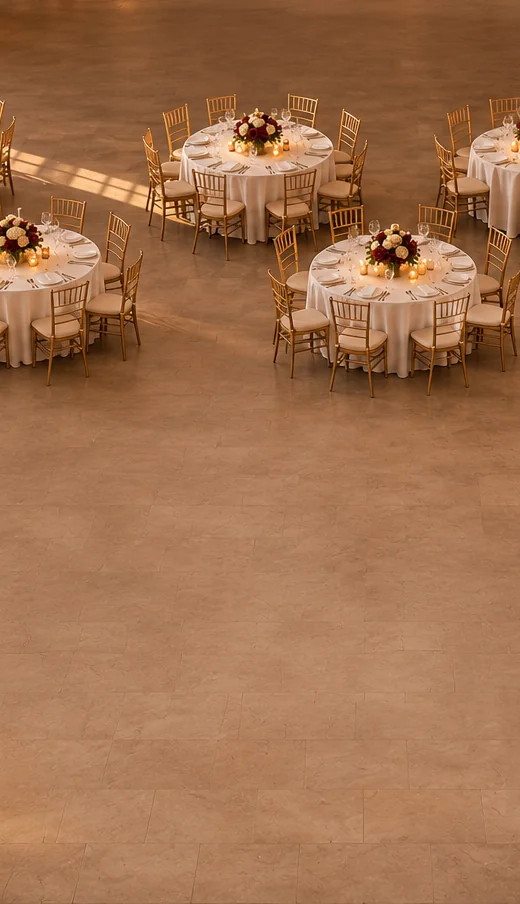
Round tables, households, meals
Open
Party & gala
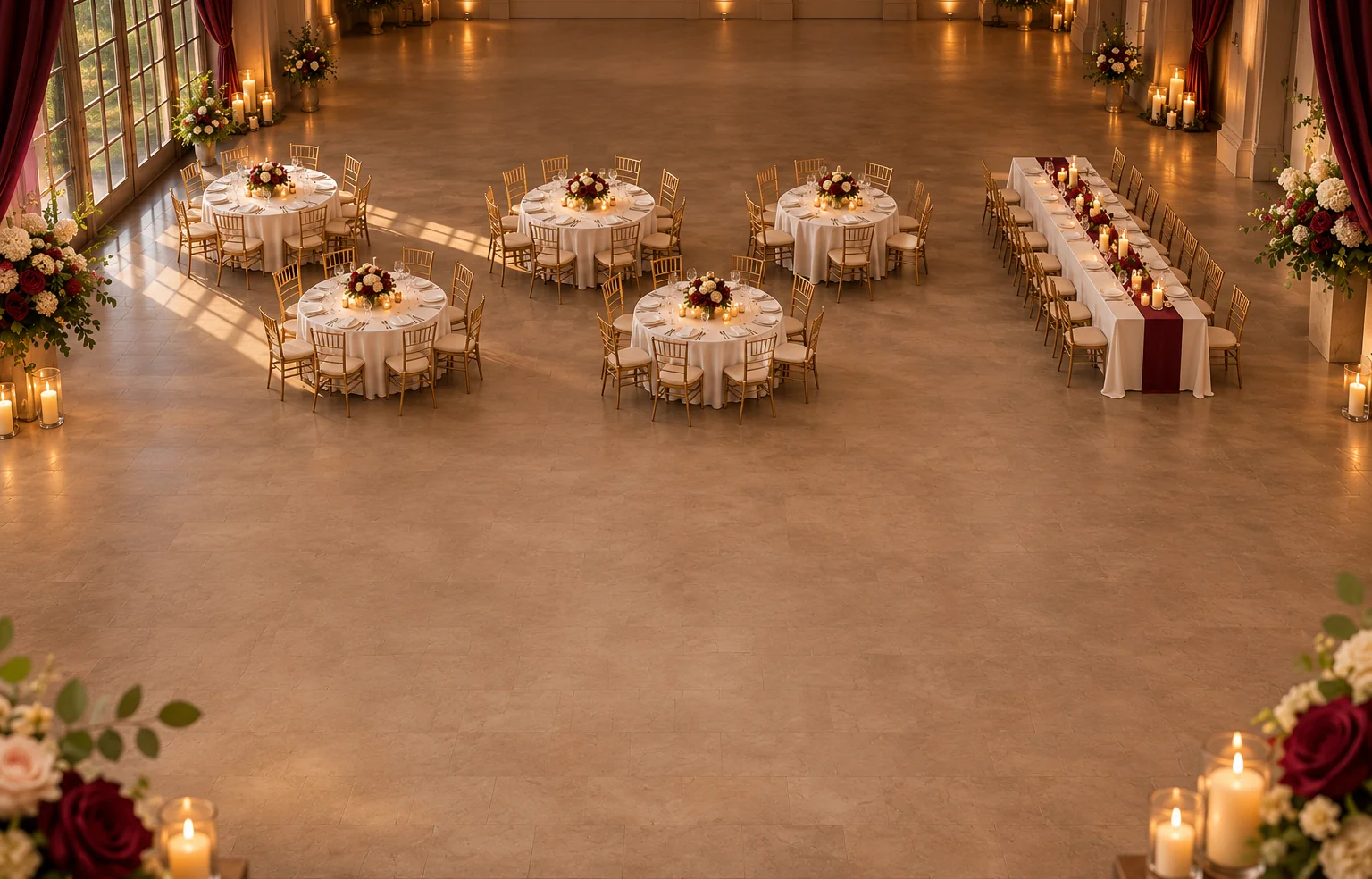
Banquet rows, VIP tables
Open
Classroom
Rows, pairs, pods
Open
- Soon
Band
Arcs by section
Coming soon

The rules the generator follows
Hard rules always hold. If one can’t be met, you see why instead of a quiet compromise.
- Keep together
- Households, couples, friend groups
- Keep apart
- Exes, rivals, talkative pairs
- Place near
- Head table, exit, stage, teacher
- Balance
- Fill tables or spread evenly
- Lock
- Seats you placed by hand never move
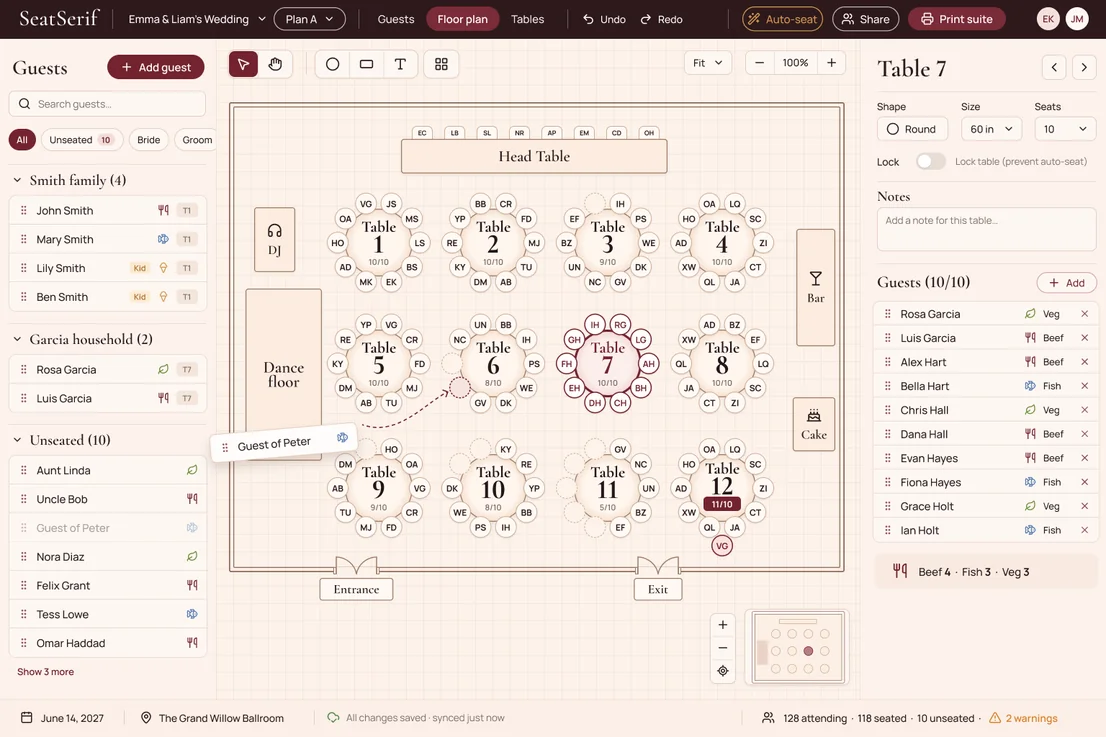
Table sizes and how many people fit
Typical seat counts. Your venue’s chairs and spacing can change them.
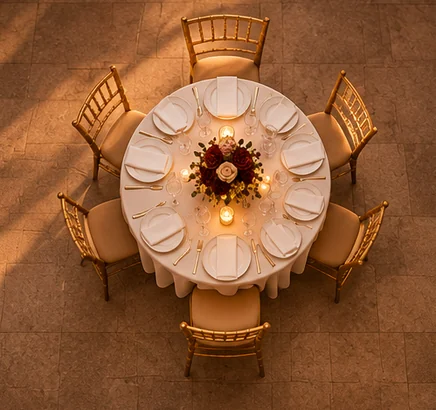
48″ round
6–8 guests
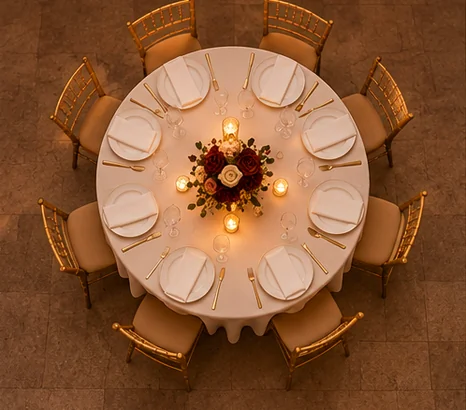
60″ round
8–10 guests
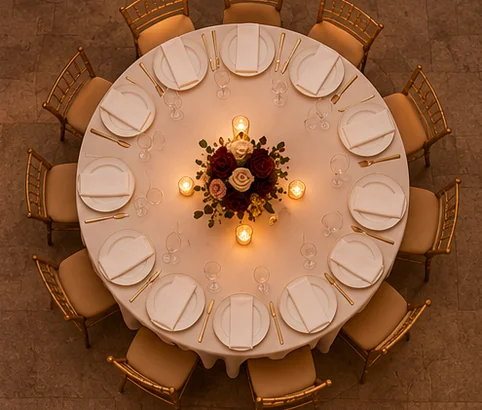
72″ round
10–12 guests
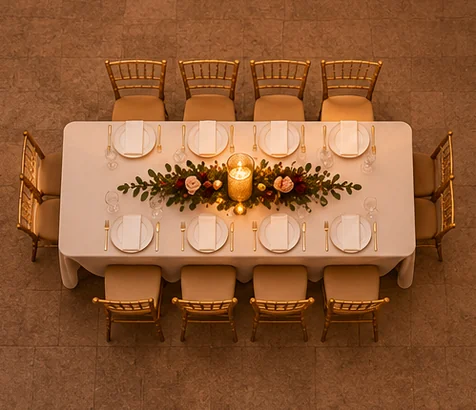
6 ft banquet
6–8 guests
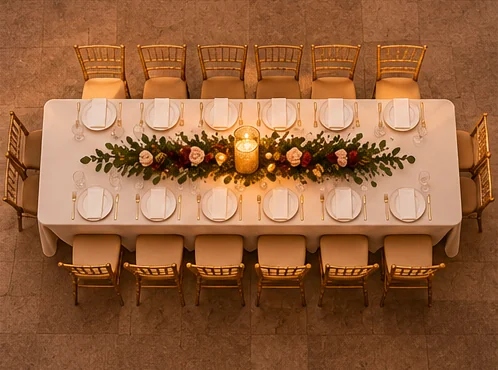
8 ft banquet
8–10 guests
Print, share or export

Print-ready PDF
Sign, cards, floor plan

Share link
View-only or edit, revoke any time

QR seat finder
Guests type their name

CSV and Excel
Full list with tables and seats

Catering report
Meals per table
Printing a sign? See seating chart sign sizes, or start from our printable seating chart templates.
By the SeatSerif team · Reviewed Nov 2026
Seating chart generator FAQ
How do seating charts work?
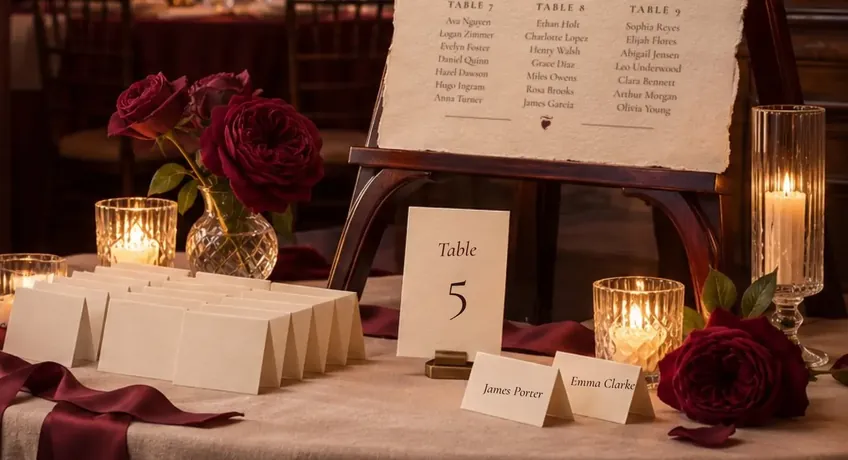
You assign each person a table or seat, then share the chart as a sign, cards or a link.
Seating chart vs place cards?
The chart or escort cards tell guests their table; place cards mark the exact seat.
Is it free?
Planning is free. Clean print files for an event need an Event Pass. Classrooms are free.
Can you make a seating chart in Excel?
Yes, but you place every name by hand. A generator applies your rules and rebuilds the chart when the list changes.
What size should a seating chart be?
For a printed sign, usually 18×24 or 24×36 inches. The right size depends on how many names it lists.
Does it work for classrooms?
Yes. The classroom version is free with no sign-up: rows, pairs or pods, and student names stay in your browser.

Seat your event in minutes
Free to plan. Free for classrooms.