






Seating Chart Templates
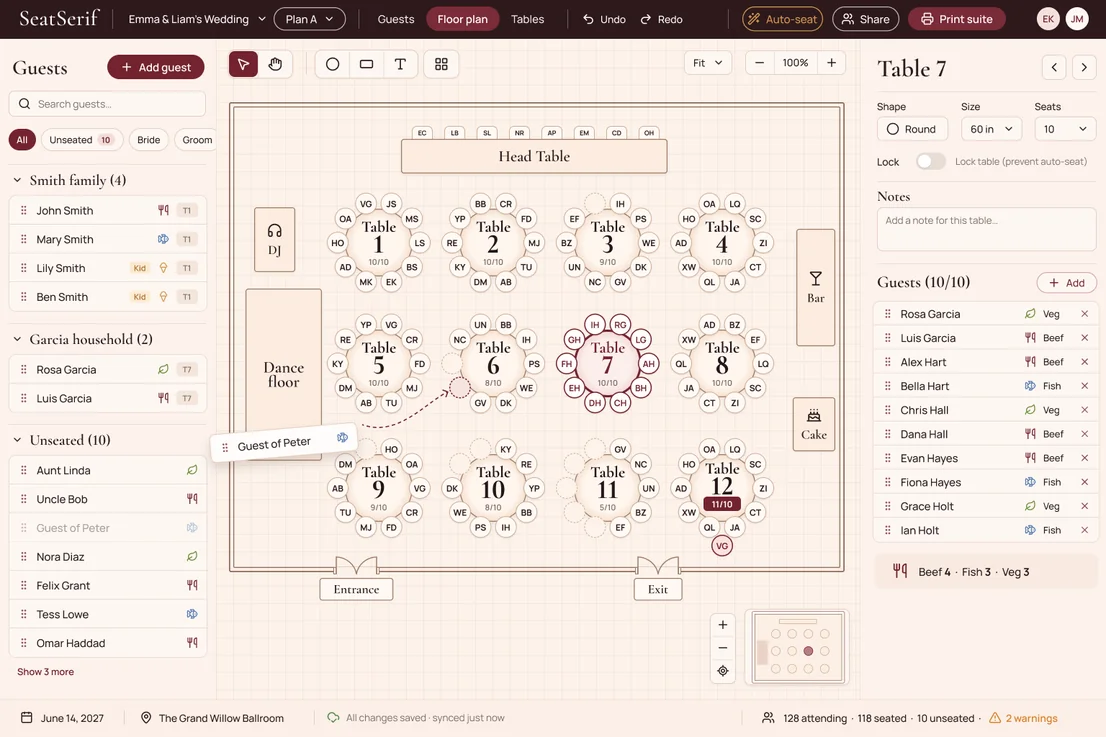
Download a blank template, or let us fill in the names.
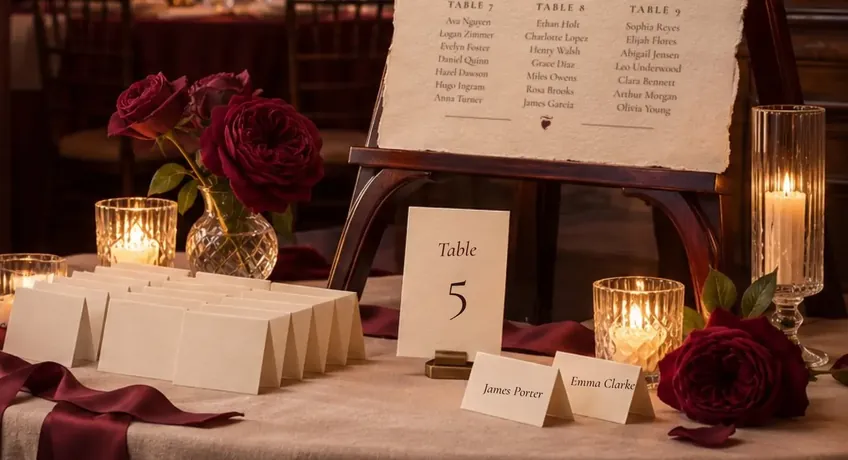
Browse templates by occasion







Download as PDF, Excel or Word
Blank templates are free. Filled-in ones come from your own list.
| Format | Best for | Picture |
|---|---|---|
| Print and write names by hand. | 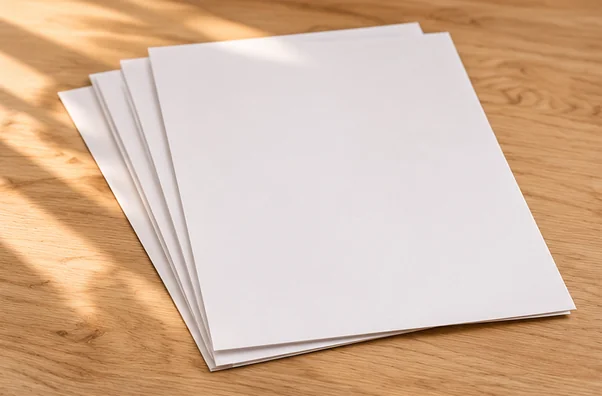 | |
| Excel (xlsx) | Type names, sort, then print. |  |
| Word (docx) | Edit text and fonts. |  |
Fill a template automatically
Paste your names. The layout fills itself and stays editable.


By the SeatSerif team · Reviewed Nov 2026
Seating chart template FAQ
Is there a seating chart template in Excel, Word or Google Sheets?
Excel and Word, yes: every template downloads as an XLSX and a DOCX, plus a printable PDF. The XLSX also opens in Google Sheets.
Do you have classroom, school bus or cafeteria templates?
Yes, under Classroom, School bus and Cafeteria, each as a blank PDF, Excel or Word file. “Use this template” opens them in the free classroom seating chart tool, where you paste your list and shuffle.
Are the templates free?
Yes, blank templates are free to download.
How do I fill a template with my list?
For the table and guest-list templates, click “Use this template”, paste your names and seat everyone automatically. The classroom, bus and cafeteria ones open in the free classroom seating chart tool.
Want the names done for you? Fill it in automatically, browse wedding seating chart templates or try the classroom seating chart maker.

Skip the typing
Paste the list once; the tables fill themselves.